AION 2 Macros: How to Set Up Skill Chains and Animation Canceling
One Button Instead of a Keyboard Dance
A macro in AION 2 groups several skill chains under one custom key: while you hold it, the game tries to fire everything inside, one step after another. The Global version launched on October 5, 2026, and players have been looking for ways to mash fewer keys in dungeons since the first days.
The key idea up front: a macro does not replace a rotation, it removes the grind. Give it your repeatable attacks and keep dashes, defensives and big buffs on manual presses.
Below: how hotbar slots work, how to create a macro, where animation canceling fits in, and starter templates for all eight classes. Treat them as starting points to test: skill names and numbers can change with patches, and results depend on your class, cooldown speed and combat speed. Data is current as of October 18, 2026.
How the Hotbar Works: Skill Chains
Skills go into hotbar slots, while the Skills menu itself opens with K. Other MMORPGs usually give you several rows of slots; here, according to players, there is one row, but each slot can hold several skills.
According to player reports, a slot takes up to four skills. While you hold the slot's button, the game uses them in priority order and skips whatever is unavailable. That is not a macro yet, it is a skill chain, and it already saves keypresses.
A chain has a limit. Hold "1", then press "2", and the first slot stops executing, so you only switch between slots. A macro removes that limit: the slots merge into one long chain, and all of them run as long as you hold the macro key.
How to Create a Macro
Sort out the hotbar first. A macro takes hotkey lines, not individual skills, so the skills you want to automate should already sit in the right priority order under their keys.
Open the Skills menu.
Click Macro in the top-right corner and choose to add a new macro.
Add one or more hotkey lines.
Set a delay for each step if needed. Multi-slot templates usually use 10 ms.
Save the macro.
In Settings, open Key Settings, the General tab, the Macro entry, and assign a Macro key.
Hold that key in combat.
Menu labels in your client may differ slightly, but the order of steps is the same. If a line already contains several skills, the macro walks through it using the same priority and availability rules as usual. So start with a clean chain on one button and only then add that button to the macro.
You can put several different lines into one macro, but the longer the set, the less predictable it gets: skills with conditions do not always fire and the queue gets out of step. A simple combat macro is often more reliable than a bulky one.
Animation Canceling and Basic Attacks
A macro becomes much more useful when paired with basic attack weaving. According to player reports, many skill animations can be interrupted by slipping a left-click attack between abilities.
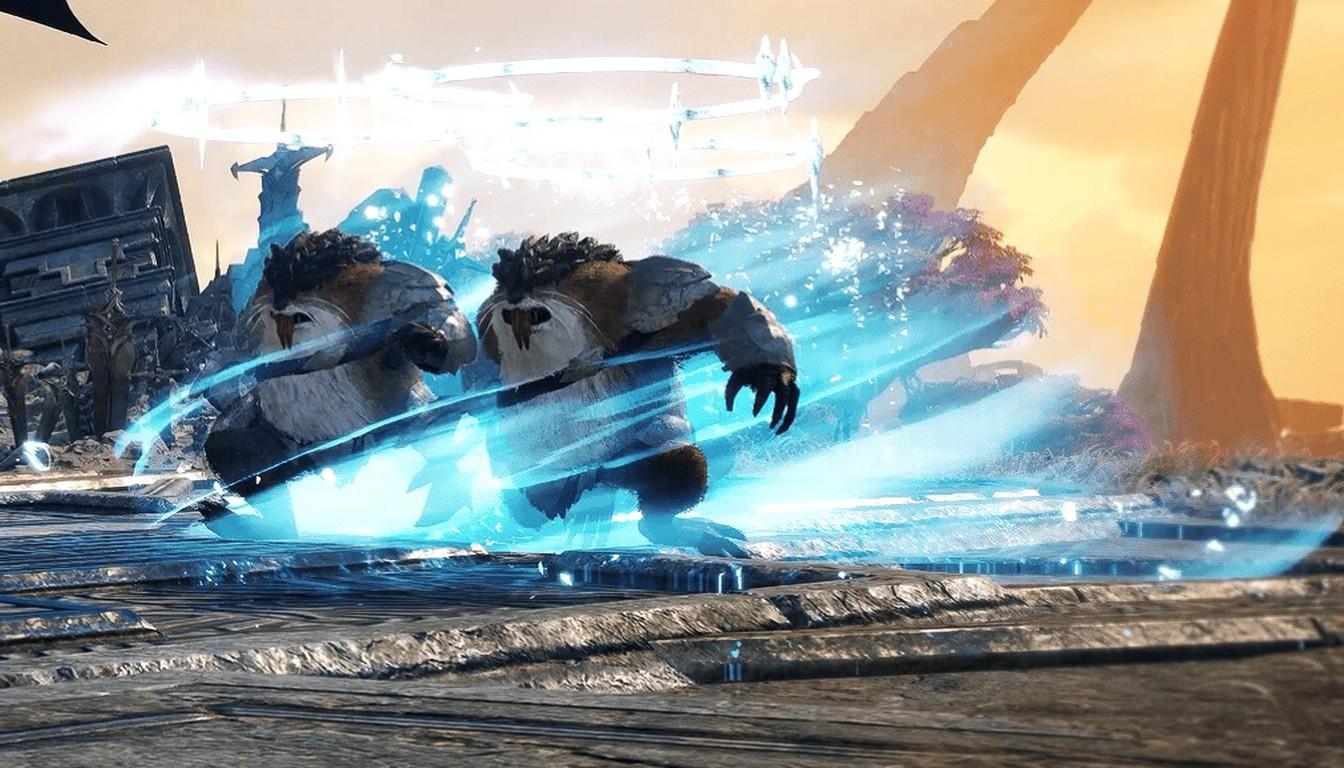
A successful cancel shows as a dark shadow or silhouette behind your character, the simplest visual cue that it worked. There is a second reason to weave: the basic attack restores the mana your other skills spend.
You can handle the basic attack in two ways:
Inside the macro. One held button runs both the chain and the weaving.
Separately. Hold the left mouse button together with the Macro key.
The separate option is the usual starting point, since cancels tend to come out more consistent. Class, combos, cooldown speed and combat speed all affect the result, so test both on your own character.
What Goes in a Macro and What Stays Manual
A good AION 2 macro is modest. It holds the main attacks you press constantly, frequently available damage skills, and conditional abilities that fit naturally into the same priority line.
Keep the rest under your fingers:
Mobility and defensives. You need them at a specific moment, not on cooldown.
Healing and support skills. Automation does not know who needs help or when.
Big buffs and burst. A long-cooldown skill is easily wasted on a weak enemy or right before a boss mechanic.
While you learn a class, keep the macro minimal. As skill levels, specializations, cooldown speed and combat speed grow, the same macro can start behaving differently or stop working at all. Once you know which abilities you really want on cooldown, add them one at a time.
The whole rotation will not fit into one macro anyway: many skills need conditions, and the more abilities you stack, the more often some of them simply do not fire.
In practice, a good order is this: arrange skills in slots, test the chain on regular mobs, build the macro, and only then add basic attack weaving. That way you can see right away which step breaks things.
Starter Templates for Eight Classes
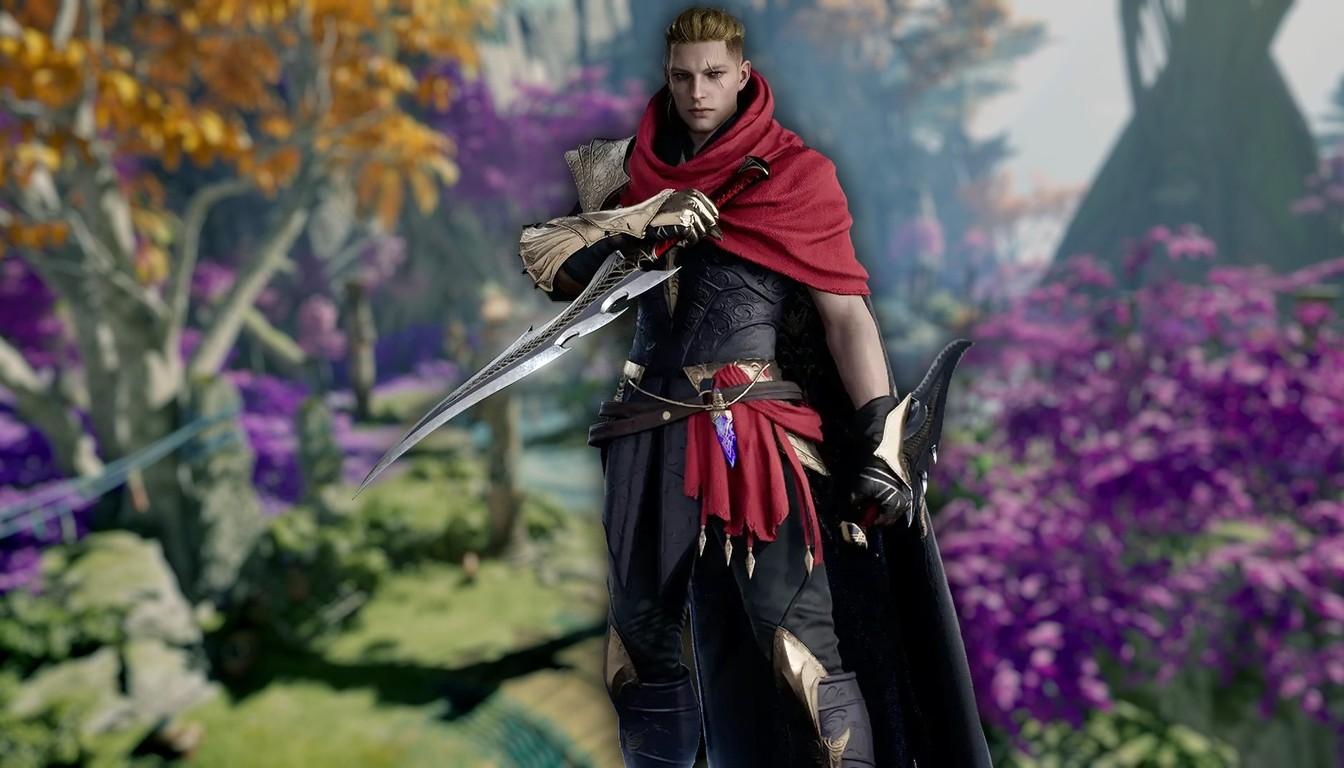
Here are simple templates for all eight Global classes. List order is priority order, and skill names are as in the English client. This is a starting point: adjust it to your level, specializations and gear.
Class | Basic attack | In the macro |
|---|---|---|
Assassin | Quick Slice, separate | Insignia Explosion, Heart Gore, Savage Roar |
Cleric | Earth's Retribution, separate | Chain of Torment, Debilitating Mark, Condemnation, Judgment Thunder |
Sorcerer | 2-Hit Chain, second macro line | Winter's Shackles, Bittercold Wind, Blaze, Firestorm; Flame Arrow manual |
Templar | Vicious Strike, separate | Line 1: Doom Shield, Debilitating Smash, Judgment, Shield Smite. Line 2: Warding Strike, Pummel |
Chanter | Onslaught, separate | Line 1: Spinning Strike. Line 2: Dark Crush, Marchutan's Wrath, Impactful Crush, Incandescent Blow |
Gladiator | Keen Strike, separate | Rage Burst, Overhead Slam, Rending Blow |
Spiritmaster | Cold Shock, separate | Line 1: Summon: Water Spirit, Jointstrike: Corrode, Summon: Earth Spirit, Summon: Fire Spirit. Line 2: Jointstrike: Curse, Elemental Fusion, Dimensional Control, Combustion |
Ranger | Snipe, separate | Line 1: Vaizel's Authority, Explosive Arrow. Line 2: Gale Arrow, Drill Dart, Tempest Shot |
A few notes. The Cleric logic is two debuffs first, then Condemnation, which reportedly needs a target under Chain of Torment, while Earth's Retribution returns mana and so stays a separate basic attack. For the Templar, Doom Shield is a Stigma skill, so without the right Stigma equipped the macro falls apart.
The Spiritmaster macro is built around an active Spirit: conditional skills like Dimensional Control and Elemental Fusion fire in short windows, and the macro catches them for you. The Ranger puts buffs and Explosive Arrow in the first line and regular attacks in the second, with Tempest Shot as filler. Multi-line templates usually add a 10 ms delay after each input.
When a Macro Misbehaves
The open world forgives keyboard dancing, but dungeons and tough fights reward steady damage. That is where a prepared macro helps most: your hands are free for dodges and manual skills.
If a macro starts acting differently after a level-up or a specialization change, do not rebuild everything. Go back to a single chain on a single button and check that the skills are in the right priority and available.
Check the usual causes:
a skill needs a condition (a debuff on the target, a Stigma, stacks) and it is not met;
the macro has too many lines and the order became unpredictable;
the delay between steps does not suit your combat speed;
a basic attack inside the macro interferes with canceling, so move it to a separate button.
A macro is an official part of the combat system, but not a requirement: it cuts extra presses and helps you keep tempo, while your final damage still depends on how you handle dashes, defensives and powerful skills by hand.