Counter-Strike 2 crosshair settings: from style to practice
Why your crosshair matters more than it looks
The crosshair is the one piece of interface you stare at every second of a Counter-Strike 2 match. If it blends into the map, vanishes in smoke or jumps around while you move, you land fewer headshots, control recoil worse and flick between targets more slowly.
CS2 has been live since 27 September 2023, and players have settled on some clear reference points. There is no universal setup: you tune the crosshair to your eyes, your monitor and the way you shoot, but there is plenty to start from.
The good news: you set a crosshair up once. Spend an evening on it, not five minutes before a match, and do not revisit it for months, until you change monitors or your eyes start to tire.
Crosshair style: why most pros pick Classic Static
The settings menu offers several styles, and in the console they map to numeric values of cl_crosshairstyle. Three are enough to remember: 4 is Classic Static, 2 is Classic (dynamic) and 5 is Legacy.
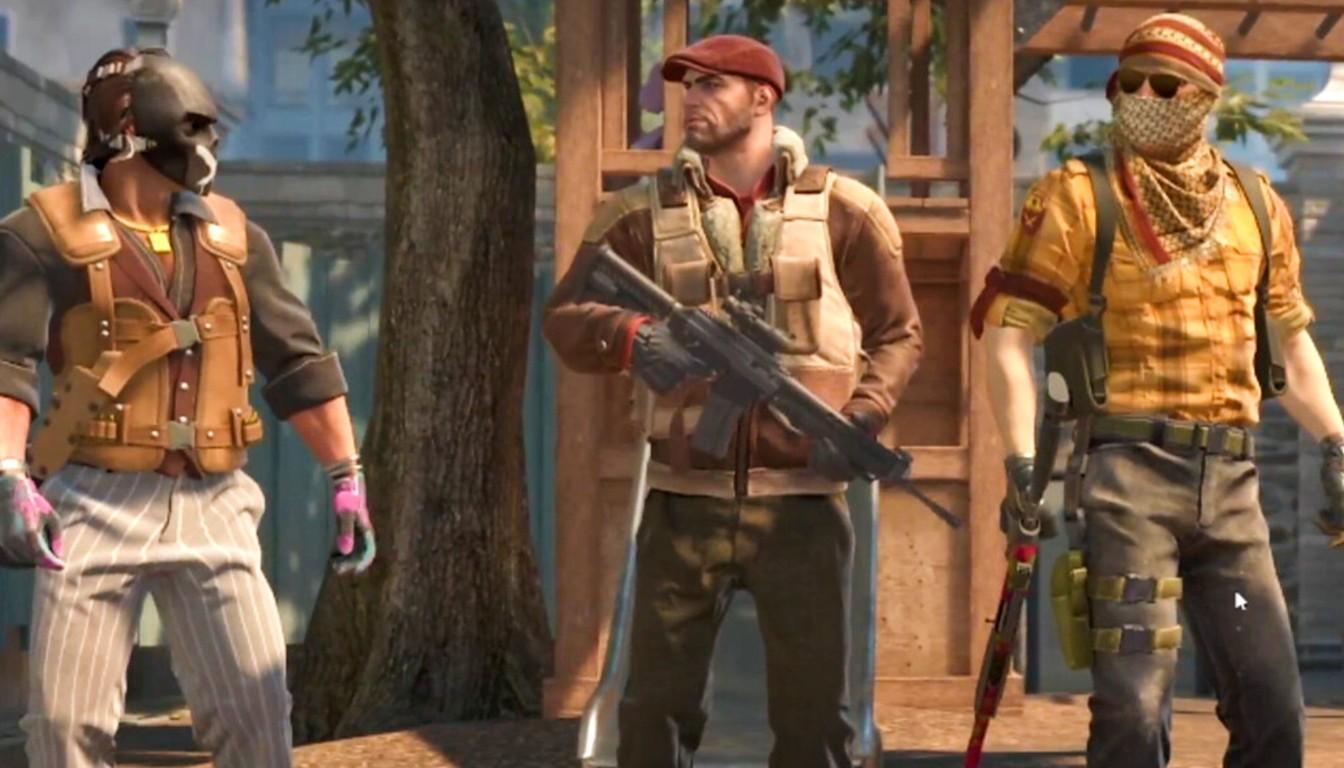
Classic (2). The lines spread out while you walk and shoot. Many players find it distracting, because you end up guessing where the bullet will go from how wide the crosshair is.
Classic Static (4). The lines never move, so the shape is always the same. This is the style you see most often among pros.
Legacy (5). A hybrid: the crosshair widens while you fire depending on the weapon, while walking it stays the same.
The case for static is simple: you learn the rhythm and recoil with your hands instead of reading the crosshair. That is player opinion, not a rule, so spend ten minutes with each style and keep the one that distracts you least.
Size, thickness, gap and the dot
Size (cl_crosshairsize) sets the length of the lines, thickness (cl_crosshairthickness) their width and gap (cl_crosshairgap) the distance from the center. A negative gap pulls the lines toward the middle, so the target sits right between them.
Size. A value of 3 works as a starting point, but pro crosshairs are usually shorter, around 1.5 to 2.
Thickness. Anything from 0 to 0.5 gives a thin line that does not cover a head at long range. A value of 0.7 is fine if you struggle to see a thinner one.
Gap. -2 and -3 are popular, and many well-known players run exactly -3. The rest is taste.
Dot and outline. Many pro configs turn the center dot and the outline off to keep the picture clean.
Change one parameter at a time and test at different distances. If the lines cover an enemy at long range, make them shorter.
If in doubt, start with size 2, thickness 0.5 and gap -3: that is close to what pros use, and it is easy to adjust one parameter at a time from there.
Color and alpha: keeping the crosshair visible
The crosshair has to contrast sharply with the background, and CS2 backgrounds vary a lot. On yellow and sandy maps like Mirage and Dust 2 a yellow line almost disappears, while on Ancient, Inferno and Nuke foliage, smoke and bright flashes get in the way.
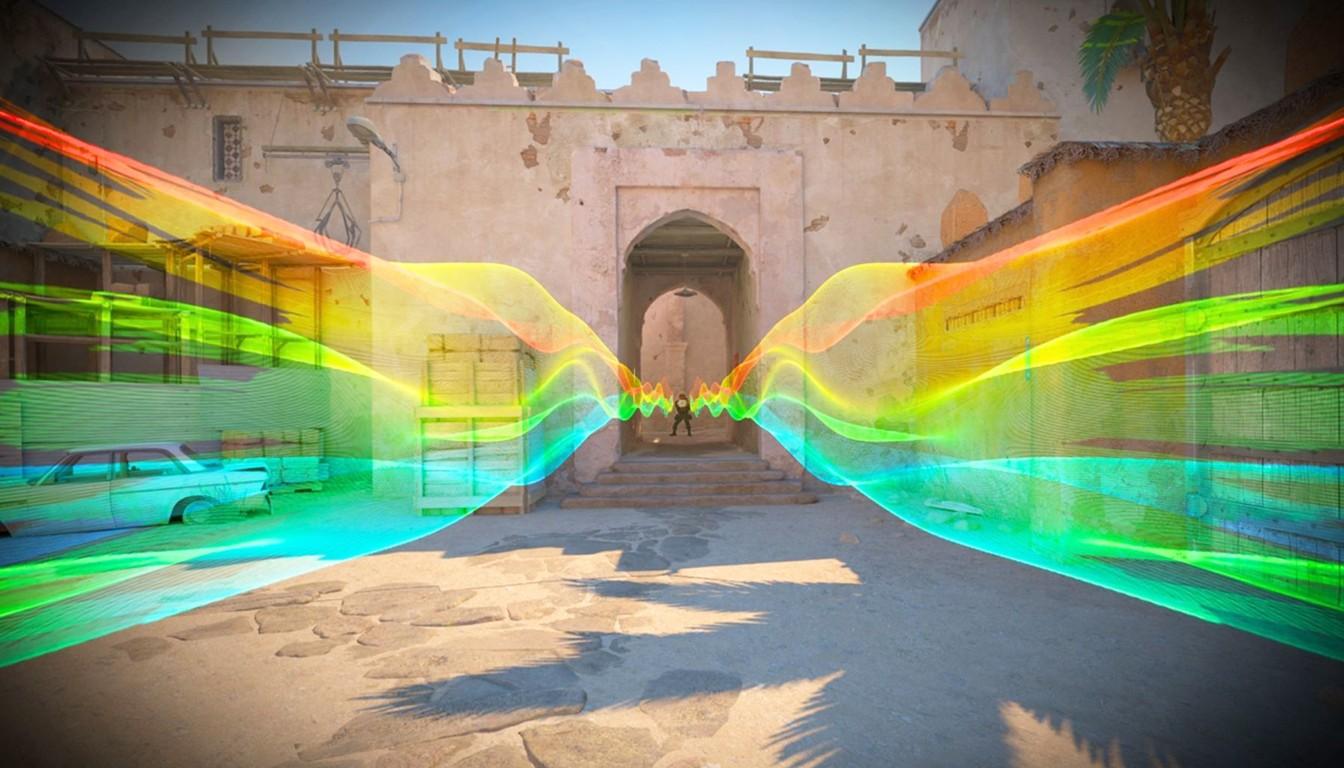
The menu has presets for red, green (the default), yellow, blue and cyan, plus a custom color through R, G and B values. Among tracked pros the most common are green (about 38%), custom RGB (about 33%) and cyan (about 22%); these figures are approximate.
Cyan. RGB 0/255/255, stands out on almost every background.
Green. RGB 0/255/0, the familiar choice, though weaker against foliage and some walls.
Yellow. RGB 255/255/0, handy in dark interiors and poor on sandy maps.
White. RGB 255/255/255, used by a few pros.
Keep alpha (cl_crosshairalpha) at 255, because a see-through crosshair gets lost on bright backgrounds. To test a color, run through Mirage, Ancient, Dust 2, Inferno and Nuke and watch the crosshair against walls, sky and smoke.
Pro crosshairs: reference points, not dogma
Top players' settings show the range where most good setups land. They do change, though: pros rework their crosshairs over time. The values below are examples from public descriptions in 2026, not a permanent standard.
Player | Style | Size | Thickness | Gap | Color |
|---|---|---|---|---|---|
s1mple | Classic Static (4) | 1.5 | 0.5 | -3 | cyan, 0/255/255 |
ZywOo | Classic Static (4) | 1.5 | 0-0.1 | -3 to -2.6 | green, cyan or white |
NiKo | Classic Static (4) | 2 | 0 | -3 | white, 255/255/255 |
All three share a static style, short lines and a gap around -3. Copying the exact color and thickness is optional: both depend on your screen. Take the common frame and adjust it to yourself.
A sensible order: set the static style, size 1.5 to 2, gap -3 and a thin line, then pick a color for your favorite maps. It takes ten minutes and lands closer to a pro setup than any random crosshair from the web.
How to apply someone else's crosshair
The easiest way is a code. Open Settings, go to the Game tab, open the crosshair section, press Share/Import and paste a code that starts with CSGO-. The same screen has a reset button: if an experiment goes wrong, go back to Classic Static and start over.
The second way is the console. Enable it in the game settings (Enable Developer Console), press "~" and paste the cl_crosshair commands. The result is the same, but a code is safer because you cannot skip a command.
To keep your own crosshair, copy its code through Share/Import and store it in your notes: after a reinstall or an account change it comes back in seconds.
How to get used to a new crosshair
First look at the preview window: the menu shows the crosshair on several backgrounds, so you immediately see whether the color blends in. Third-party generators work fine for experiments, but the built-in menu is enough for a first pass.
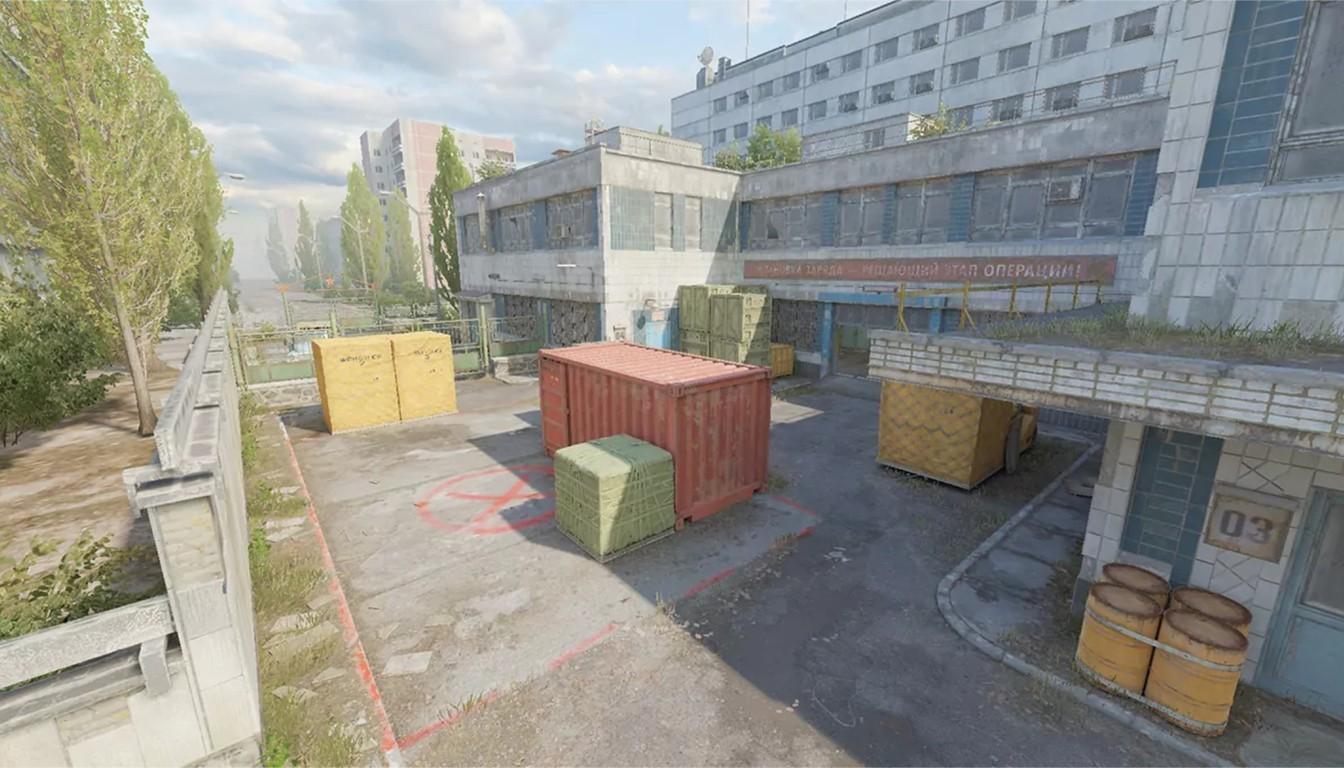
Then head to a practice map or a practice mode of your choice. Workshop maps such as Aim Botz, Recoil Master and Mirage Prefire work well, as does a crosshair generator map where you test the crosshair against bots right away.
Spray at a wall and make sure the crosshair does not hide the impact point.
Practice flicks between bots and check whether you can still see the center.
Play a few normal matches and judge only by those results.
Do not swap the crosshair after every lost map. Getting used to a new one usually takes a few days, and you simply will not be able to tell whether it is better or worse.
The crosshair is set: what next
A good crosshair removes extra friction but does not replace skill. If you cannot win duels consistently, a coach can help: reviewing demos speeds up progress, which is why many players book coaching with experienced players.
When it is time to test your form in ranked play, the simplest route is Premier mode. If you have no rank yet, you will play placement matches, and if you need the rank sooner, there is CS2 rank boost, FACEIT boost for the platform of the same name and private rank boost.