Best Marvel Rivals Settings for Max FPS and Competitive Play
Best Marvel Rivals Settings Guide (FPS, Graphics, Audio & More)
If you’re diving into Marvel Rivals and aiming to reach peak performance, mastering your in-game settings is crucial. Whether you’re climbing the competitive ladder, facing off in intense teamfights, or simply enjoying casual matches, tweaking your settings will elevate your gameplay. In this complete Marvel Rivals best settings guide, we’ll cover everything you need to know: from boosting FPS and sharpening visuals to enhancing audio precision and finding the ideal sensitivity.

📺 Display Settings for Marvel Rivals
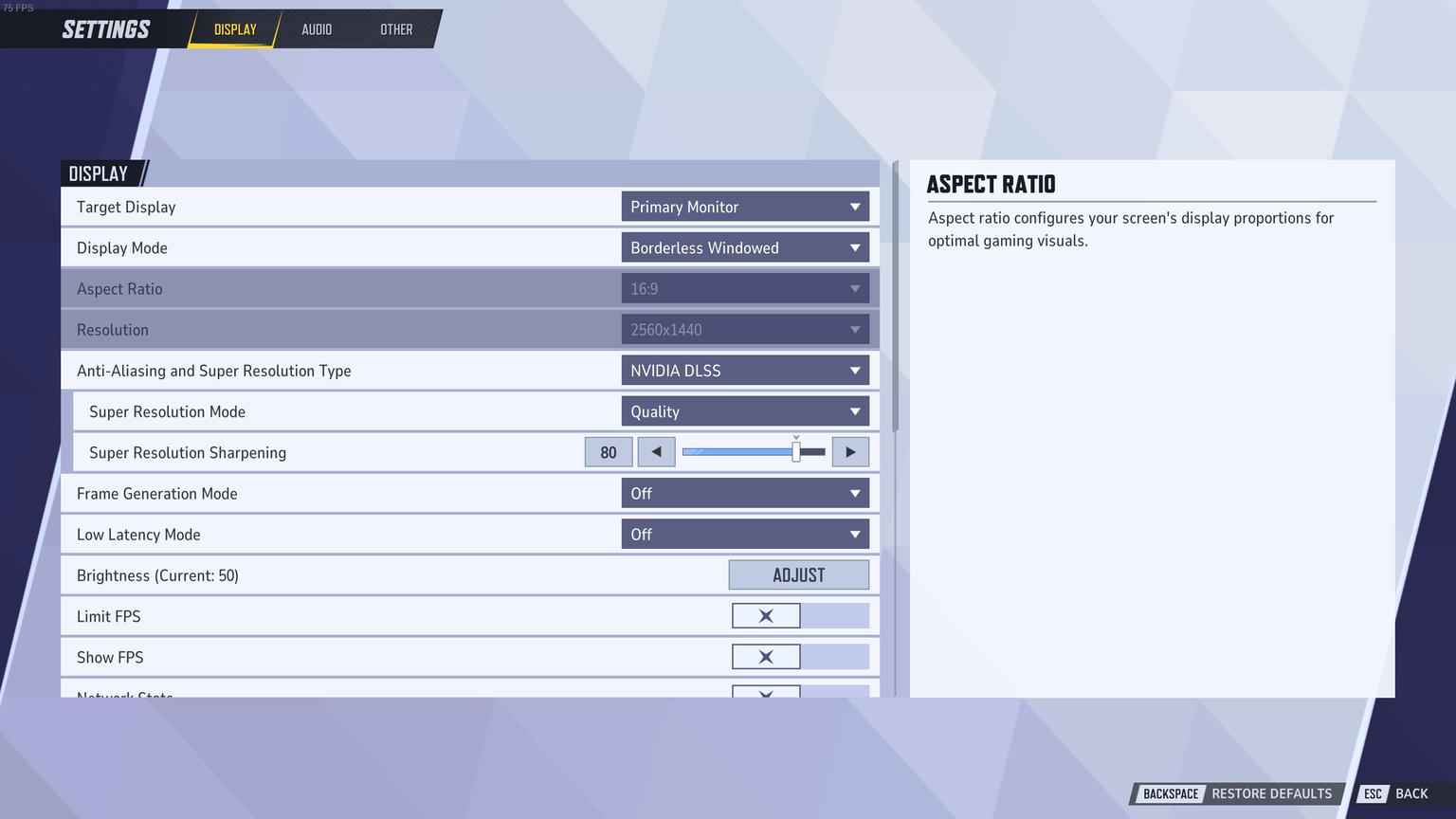
Marvel Rivals runs fairly well on a variety of hardware, but if you’re targeting optimal FPS and responsiveness, adjusting key display options can make a massive difference. Below are our expert-recommended values and why they matter.
Setting | Recommended | Why |
|---|---|---|
Limit FPS | Off | Avoid limiting frames unless you’re streaming or facing overheating. |
Show FPS | On | Keeps you aware of performance dips. |
Network Stats | On | Tracks ping and packet loss, especially useful in ranked. |
V-Sync | Off | Reduces latency; use only if you notice screen tearing. |
Display Mode | Fullscreen | Provides the best performance and stability. |
Aspect Ratio | Match Display | Prevents image stretching or black bars. |
Resolution | Match Display | Native resolution delivers crisp visuals. |
Anti-Aliasing & Super Resolution | DLSS (NVIDIA) / FSR (AMD) | Upscales performance efficiently. Avoid TSR/XeSS unless necessary. |
Super Resolution Mode | Ultra Quality / Quality | Great balance between FPS and visual detail. |
Frame Generation | Off | May cause input delay, best left disabled. |
Low Latency Mode | NVIDIA Reflex or AMD Equivalent | Lowers input lag – crucial for fast reaction time. |
🎮 Graphics Settings for Competitive Performance
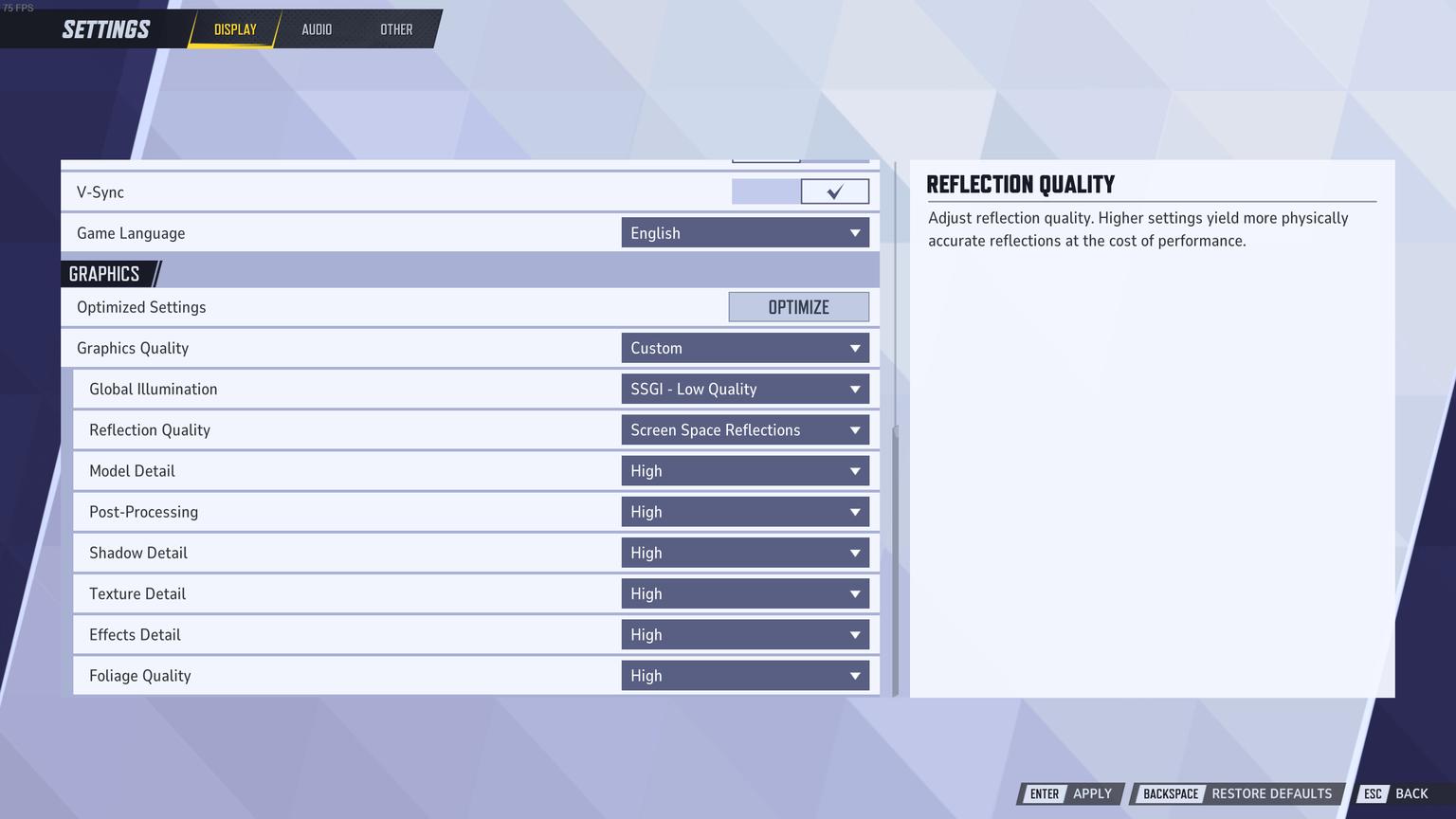
In high-paced games like Marvel Rivals, every frame counts. If your GPU is underperforming, even minor reductions in graphical fidelity can lead to smoother gameplay and better tracking.
Setting | Recommended | Why |
|---|---|---|
Global Illumination | SSGI – Low | Significantly improves FPS while maintaining clarity. |
Reflection Quality | Screen Space Reflections | Balanced visuals with acceptable performance cost. |
Model Quality | Medium | Reduces load while keeping characters recognizable. |
Post-Processing | Low | Enhances clarity and reduces bloom/flicker. |
Shadow Quality | Low | Improves visibility and FPS. |
Texture Quality | High | Use Ultra if you have more than 6GB VRAM. |
Effects Detail | Low | Cuts down on clutter in teamfights. |
Foliage Quality | Low | Prevents distraction and saves resources. |
🔊 Audio Settings for Immersive Combat
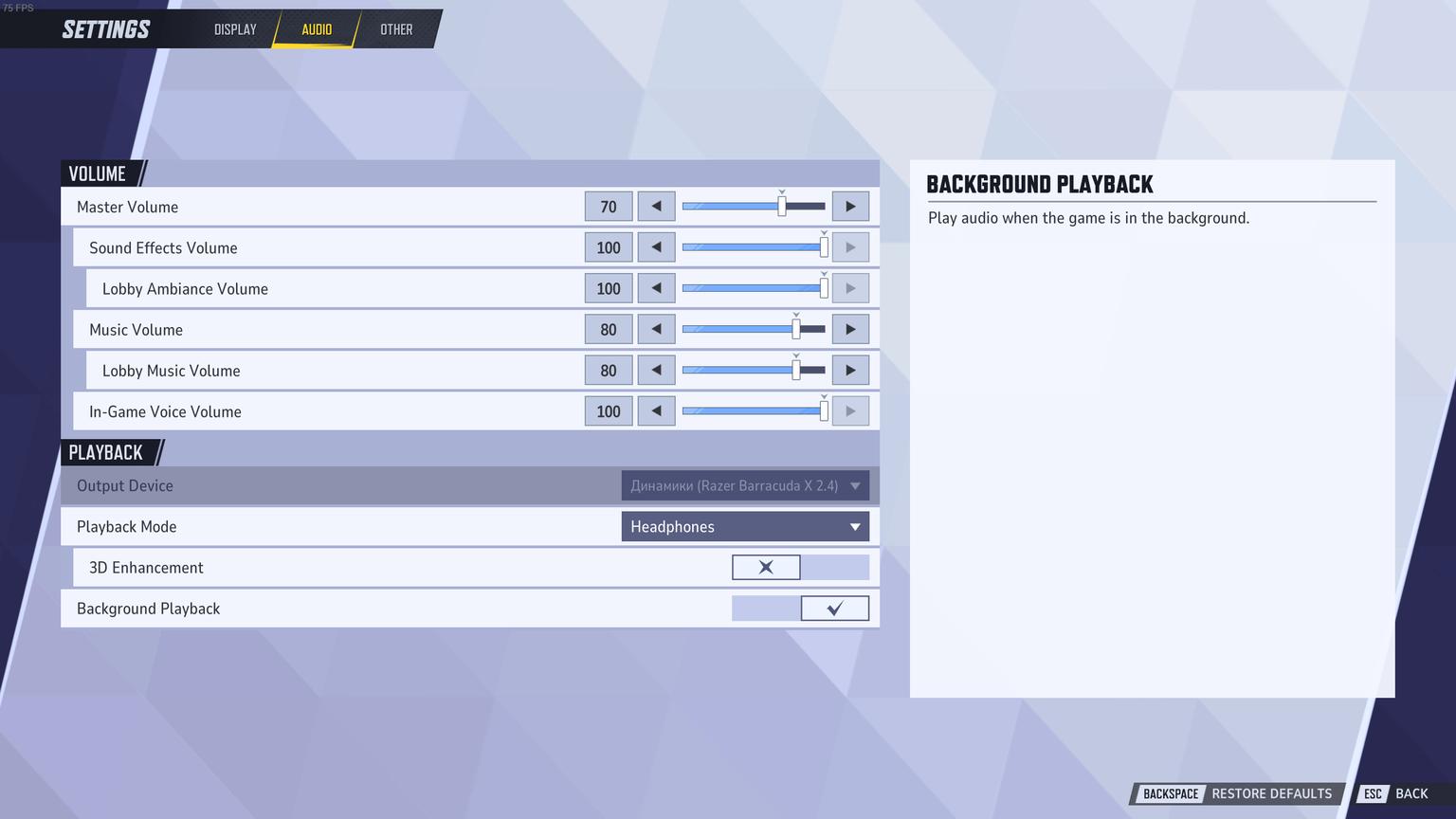
While not directly related to FPS, audio settings influence your awareness and ability to react. Marvel Rivals supports advanced directional sound—here’s how to make the most of it.
Setting | Recommended | Why |
|---|---|---|
3D Enhancement | On | Helps track footsteps and ability cues. |
HRTF | On | Increases directional precision with headphones. |
Music Volume | Off or Low | Keeps you focused during clutch moments. |
Avoid enabling Windows Sonic or Spatial Sound simultaneously with in-game 3D Enhancement—this can cause conflict or audio lag.
🖱 Best Mouse Settings for Marvel Rivals
Accuracy and consistency are key. Use these mouse sensitivity tips to stay sharp during critical aim duels.
Mouse Sensitivity: 5–10
DPI: 400–800
Polling Rate: 1000Hz
Mouse Acceleration: Off
These values strike a perfect balance between speed and control, especially in Duelist-heavy matchups.
💡 Pro Tips & Summary
If you want to unlock Competitive Mode or climb the ranks quickly, proper setup is just the first step. Our experts at Dving are here to help you progress in Marvel Rivals—whether it's rank boosting, coaching, or account optimization.
60+ FPS is your baseline for competitive play.
DLSS/FSR are must-haves if your hardware supports them.
Always choose performance over visuals in ranked mode.
With these Marvel Rivals best settings in place, you’re equipped to outplay, outshoot, and outsmart the competition.